DryFire products
There are three components to a complete DryFire system:
- Simulator: laser or projection.
- Standard Gun Assembly (SGA): trigger switch and laser unit.
- Software.
Simulator: laser v projection
The laser version of DryFire does not require a PC data projector.
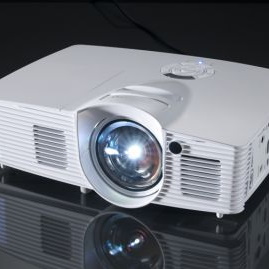
The projection version of DryFire does require a PC data projector. This is not supplied by us and must be purchased separately. The specification for a suitable projector is provided in our "What you need" article.
On-gun systems
DryFire gives you total freedom of gun movement - there are no cables linking your gun to the simulator or to your PC/laptop - nothing to trip over!
DryFire offers two on-gun methods to link the trigger to the unit under the barrel that sends out a pulse of invisible laser light for the system to detect your shot:
Complete systems
Both complete systems contain:
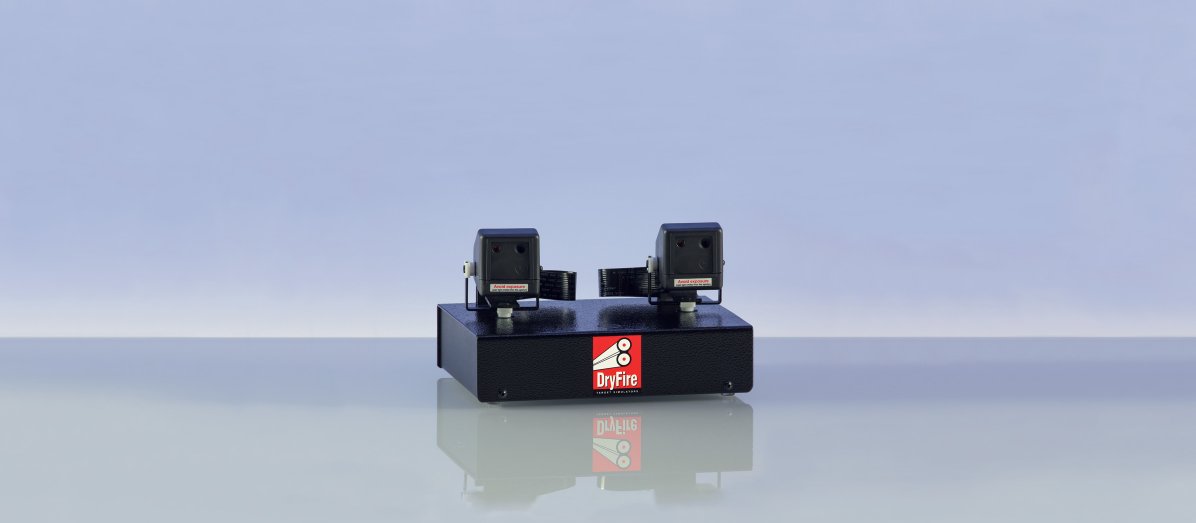
- Dual head simulator with integrated acoustic release, rubber feet and tripod bush in the base.
- Standard Gun Assembly (SGA): wrap-round trigger switch and laser unit to send out a short pulse of invisible laser light when you press the trigger.
- Mains power supply (5V 3A). UK/EU/USA plugs.
- 2m USB cable.
- Software. Both versions support laser targets but the projection version includes additional software to support projected backgrounds, targets and clays.
Please click an item for more information.
Optional extras for on-gun systems
Please click an item for more information.
Optional extra software
Please click an item for more information.



DLS: DryFire Laser System
- generates targets using laser dots moving across the wall in front of you.
- does not project backgrounds or computer generated clays on the wall.
- may be upgraded to the projection version by purchasing the optional projection software add-on - see below.
This is the original version of DryFire which, over the last 20 years, has helped shooters win competitions at local, national and international levels because it focusses on the three things that George Digweed says are essential for clay shooting: "the target, the target and the target" - with no visual distractions.
Note: the laser dot does not change size with distance - it always represents the leading edge of the clay.
This version is ideal for those who want accurate practice without the added costs of the projection version along with a PC data projector and large screen.
DPS: DryFire Projection System
- has additional software to project backgrounds and computer generated clays onto the wall/screen in front of you.
- requires a PC data projector and large screen - not supplied by us. A specification for a suitable projector may be found in the "What you need" article.
Note: a plain wall may be used instead of a screen.
- can also generate laser targets if a projector is not being used.
- Note: the projected image of the clay does change size and angle with distance.
On-gun systems
Freedom of gun movement
DryFire gives you total freedom of gun movement - there are no cables linking your gun to the simulator or to your PC/laptop - nothing to trip over!
DryFire offers two on-gun methods to link the trigger switch to the unit under the barrel that sends out a pulse of invisible laser light for the system to detect your shot:
Wired system
DryFire comes with a Standard Gun Assembly (SGA) - laser unit plus moulded rubber wrap-round trigger switch (shown below) which will fit every type of gun.
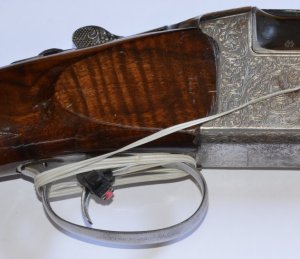
The trigger switch is connected by a short wire to the laser unit which clips underneath the barrel of your gun and is powered by a replaceable CR2032 button battery. The laser unit sends out a short pulse of infrared laser light when you press the trigger. This is used by the DryFire software to detect when you fired and where your shot went.
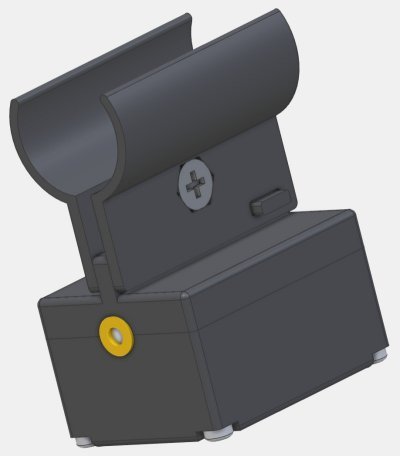
TS22: Trigger Switch (optional)
Please see this article for more about TS22 and its setup.
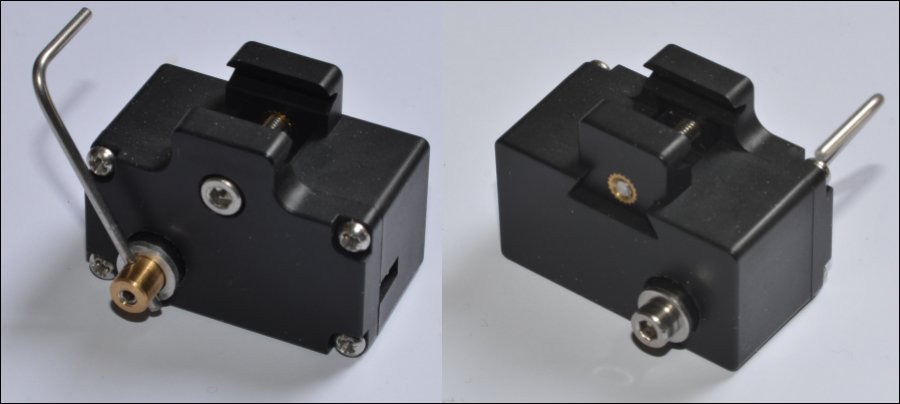
This is an optional replacement for the wrap-round trigger switch and is available for those who want a little more "feel" when pulling the trigger. It clips to the trigger guard with a metal L piece going behind the trigger blade so the switch is activated as the trigger moves backwards.
The metal L piece may be fitted on either side of the unit for right and left handed shooters.
Wire-free system (optional)
Please see this article for more about the wire-free system and its setup.
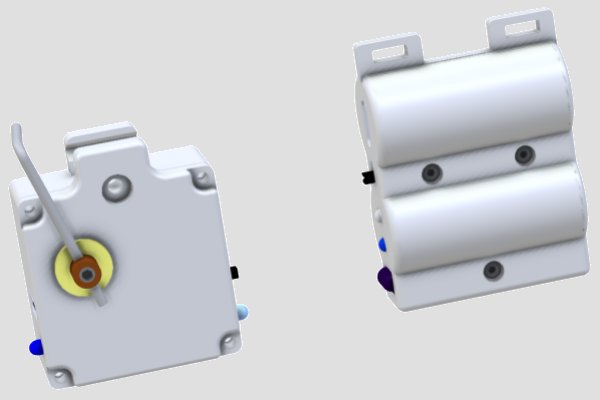
The wire-free triggering system has two parts linked by infrared (IR) signals instead of a wire. The photo shows the trigger and laser units with the laser unit fitted using the Magnetic Quick Mount.

IRT (InfraRed Trigger switch)
Like the TS22 Trigger Switch shown above, this clips to the trigger guard and is activated when the trigger moves backwards. It then sends out a signal to the IRL so the laser is fired.
IRT can operate in "normal" mode (press the trigger to fire) or in "release" mode (press then release the trigger to fire).
IRT and IRL are "paired" so they work with one another. The units can be quickly re-paired if one system interferes with another when shooting with friends or in a squad.
IRL (infraRed Laser unit)
This receives the signal from the IRT and fires a pulse of infrared laser light.
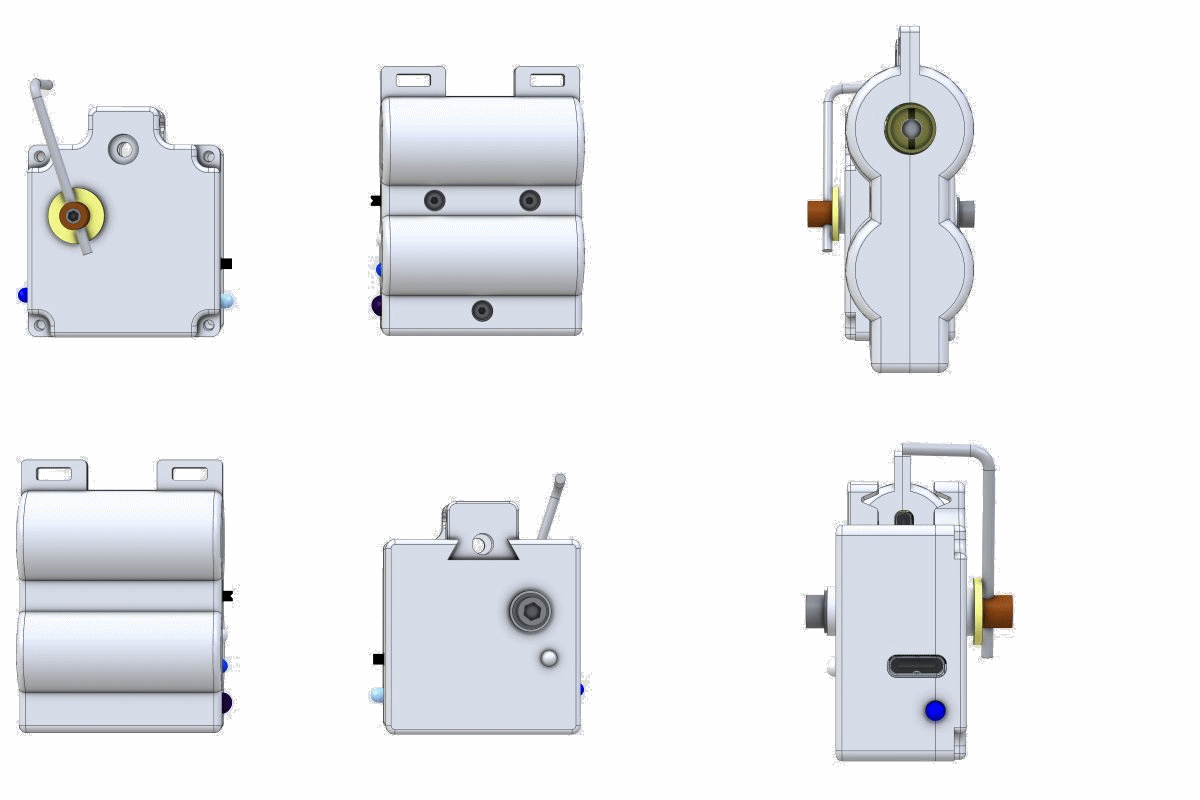
Both parts:
- Are connected by wire-free infrared signals.
- Contain a battery which can be recharged using a standard USB Type C cable - as used for smartphones etc. The battery will last for over 100 hours of use before requiring recharging.
- Flash the blue LED three times when switched on so you can check the battery is OK.
- Flash the blue "heartbeat" LED every 3 seconds to remind you the unit is switched on.
- Speed up LED flashing if the system has not been used for 5 minutes - a reminder to switch off!
Magnetic Quick Mount (optional)
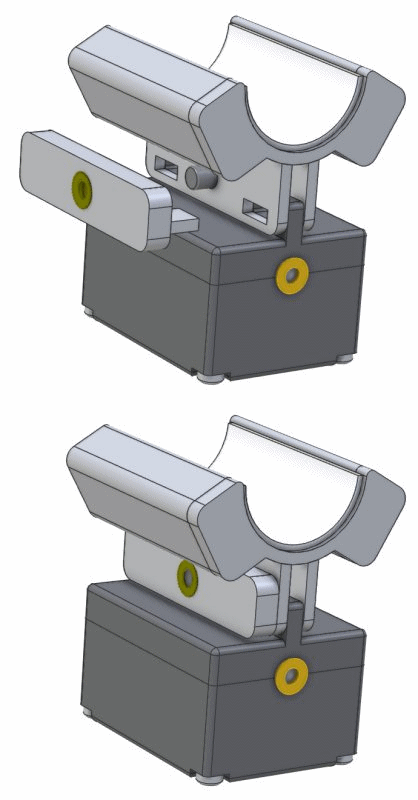
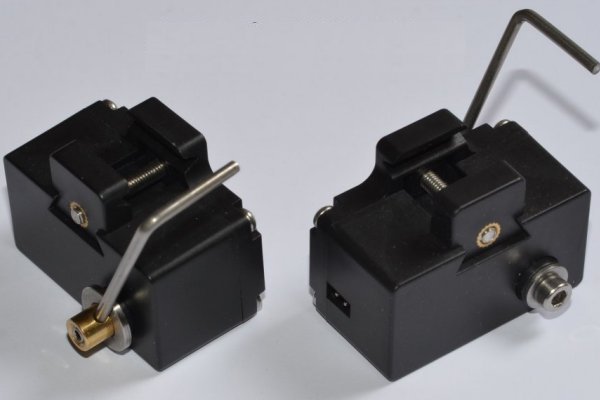
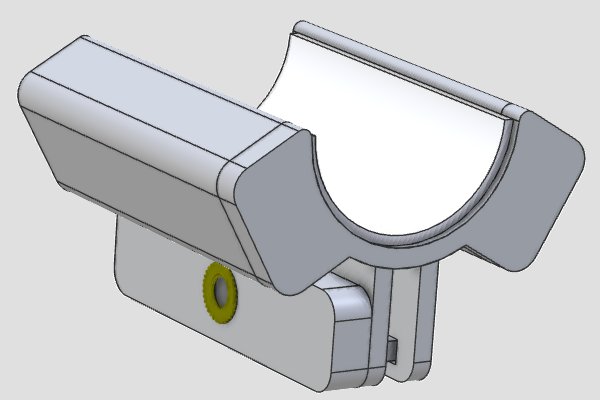
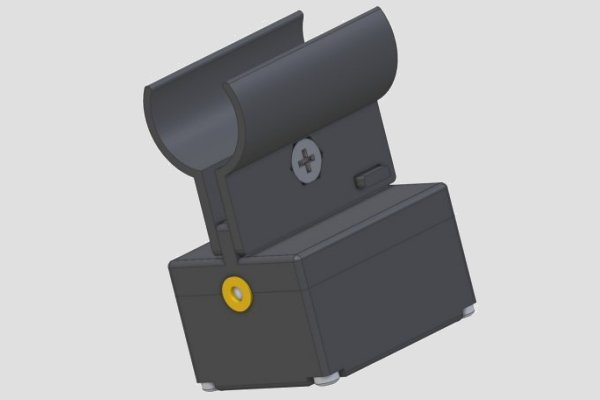
The Magnetic Quick Mount speeds up fitting the SGA laser unit (shown in the animation and as supplied with both the laser and projection systems) or the optional IRL InfraRed Laser unit.
"I love this gizmo! Goes on fast and it's as solid as a rock!" Scott, Idaho.
The Magnetic Quick Mount is especially useful when shooting with friends or as a squad where you may wish to swap the on-gun system from one gun to another.
Two powerful neodymium rare earth magnets hold the mount firmly in place under the barrel and a layer of soft silicone protects the barrel surface while keeping the unit firmly in place.
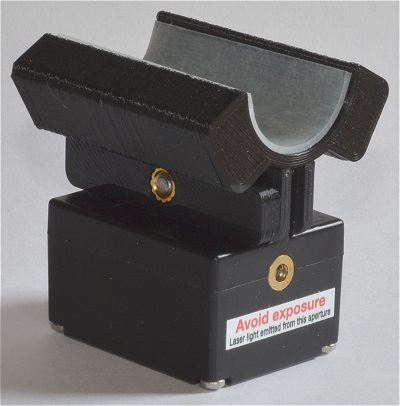
Note: dust may accumulate on the silicone surface so a periodic wipe down with soap and water or, ideally, IsoPropyl Alcohol (IPA), will maintain its "stickiness"
The Magnetic Quick Mount is secured to the SGA or IRL with a locking wedge (shown in the animation above) using the same Allen key that comes with the TS22 trigger switch. The Magnetic Quick Mount can then be left in place to speed up installation for future practice sessions.
Note: the internal curved surface of the Magnetic Quick Mount is a an arc of a circle with a diameter of 21.5mm (0.846" - approximately 7/8" or 27/32") and is suitable for almost all 12 gauge shotguns. We are happy to consider making mounts for other calibres - please contact us for details.
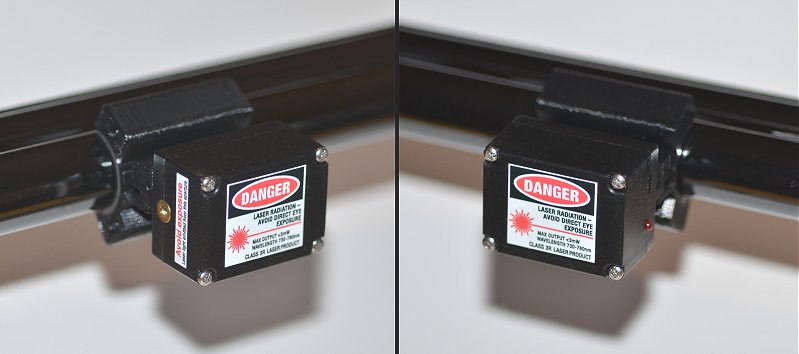
The photos below shows the Magnetic Quick Mount used with the SGA laser unit.
Additional SGA (optional)
This is the same wrap-round trigger switch and laser unit as supplied with the DryFire Laser and DryFire Projection systems and is required if you want to have more than one gun set up for use at the same time.
Optional extra software
Projection software
This adds the projection option to the Laser version of DryFire
Important note: the projection version of DryFire requires a PC data projector. This is not supplied by us and must be purchased separately. The specification for a suitable projector is provided in our "What you need" article.
Rifle & Pistol software
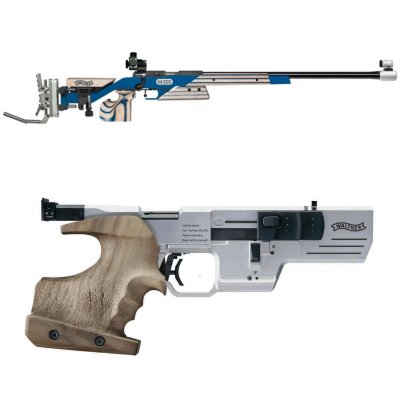
This options adds short range targets with pistols and rifles. Includes simulations with various targets, pop up, moving military style and hunting rifle.
You can:
- select a target from a predefined list,
- check and compare results between rounds,
- set your own target distance, size and height,
- set your own time limits.
Competition software
DryFire is designed as a single user system but the combination of one or more Friends or Troop packs, plus the Competition option, allows you to form squads and to run competitions.
Note: obviously competitors can share use of the same gun but if you want more than one gun set up for use during a competition you will need an additional Universal Gun Assembly and possibly an optional TS22: "Behind-the-blade" Trigger Switch for each gun.
Competition allows multiple shooters to compete with one another. DryFire controls the target order and the shooting sequence while maintaining scores and ranking order.
Designer software
Designer allows the creation of targets and layouts/simulations from scratch.
Designer is the tool for you if you want to replicate those misses from the Sunday competition.
New trap/clay combinations can be created or targets may be added from existing layouts.
Report Generator software
Report Generator uses the stored information from the scorecard and produces detailed analysis of each individual shooters' performance, this is an excellent tool for instructors and shooters whom are particularly focussed on improvement.
Report Generator highlights the areas of weakness from your shooting results, therefore it provides you the information you need to help put together targeted exercise plans to improve your weaknesses.
Game software
This option adds a variety of simulations designed to simulate feather and fur shooting, including pheasant, duck, grouse, pigeon and boar.
Friends Pack software
This adds 5 additional users to your system.
DryFire is designed for use by a single user but the Friends Pack adds an additional 5 users - allowing you and your friends to use the system together - ideal for a Friday night before or after the pub!
Note: obviously you can share the same gun but if you want more than one gun set up for use during a shooting session you will need additional wired or wire-free on-gun systems.
Troop Pack software
This adds 20 additional users to your system.
DryFire is designed for use by a single user but the Troop Pack adds an additional 20 users - ideal for group or team training.
Note: obviously you can share the same gun but if you want more than one gun set up for use during a shooting session you will need additional wired or wire-free on-gun systems.